Club management
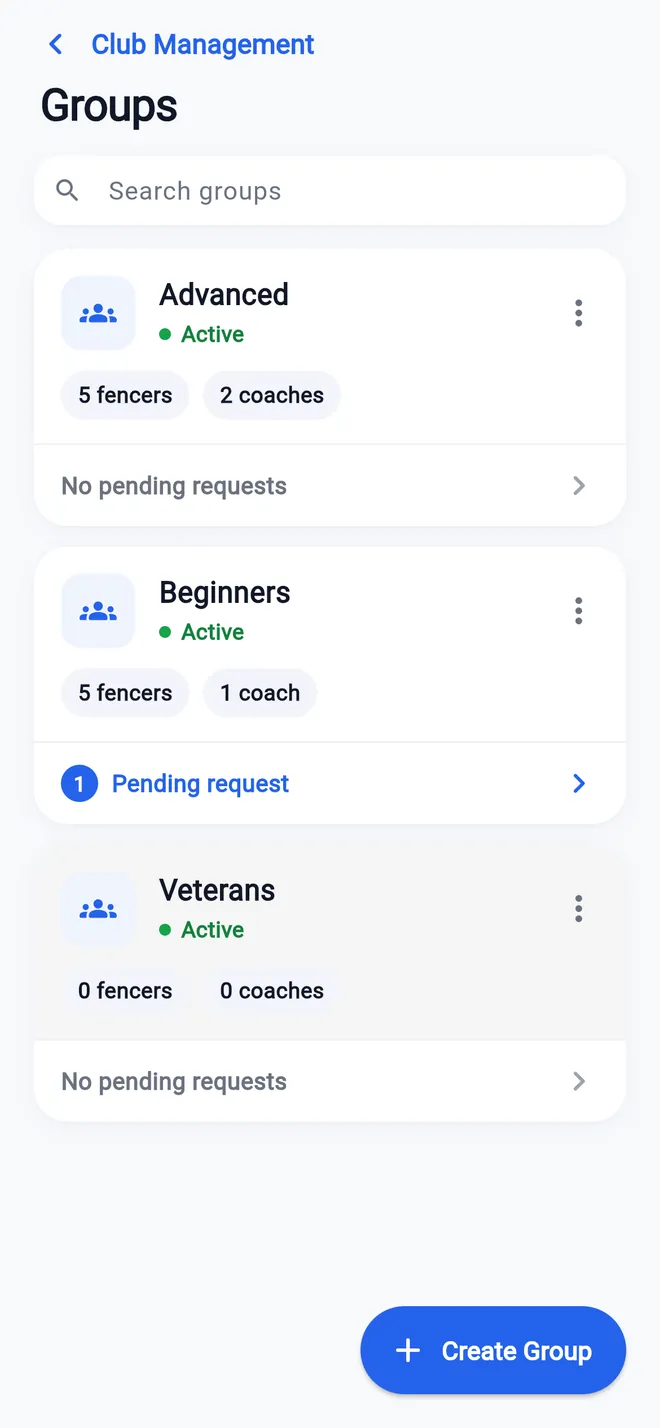
Groups, coaches, fencers and parents in one member list. Invite codes bring each person into the right group with the right rights.


Sections
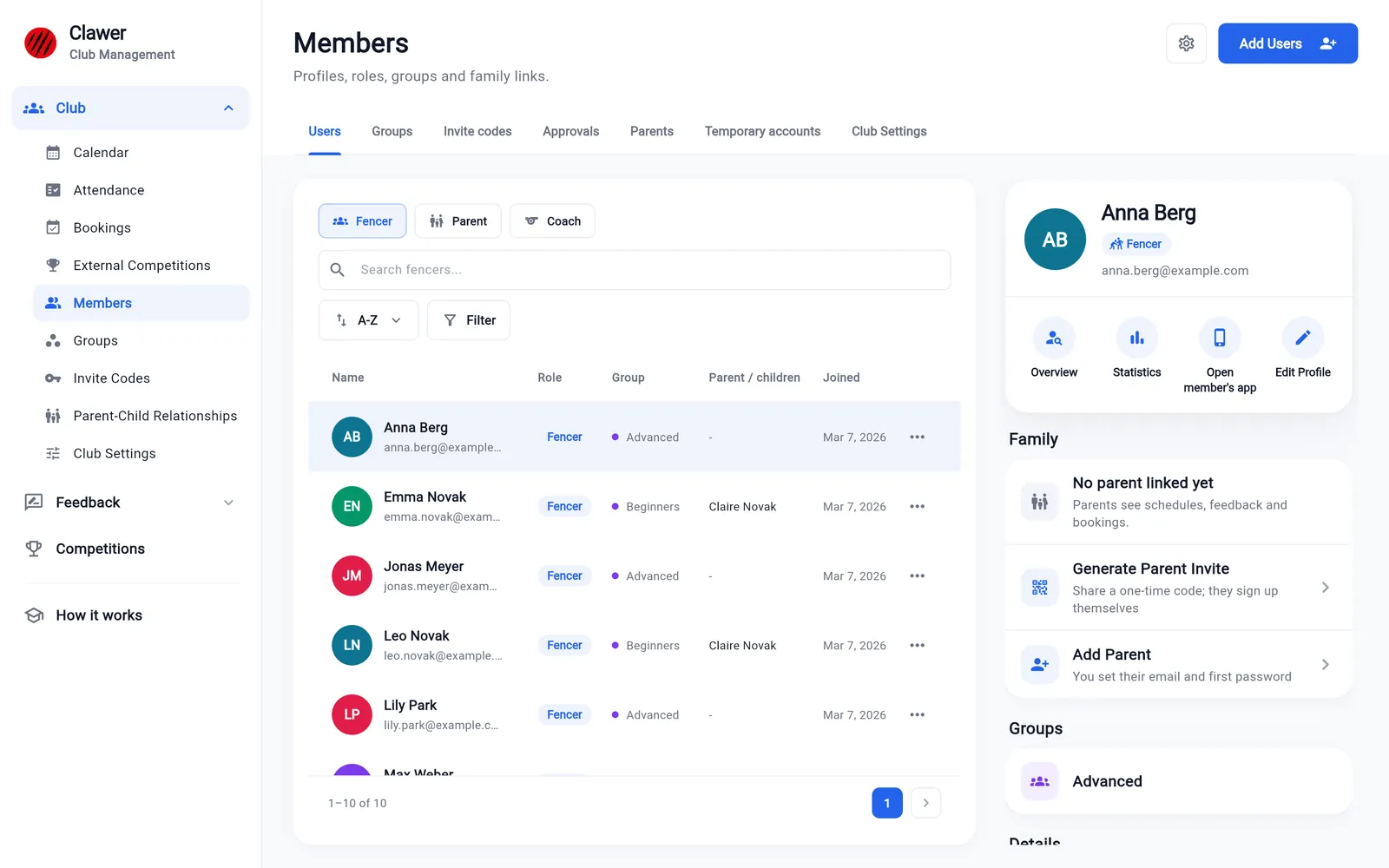
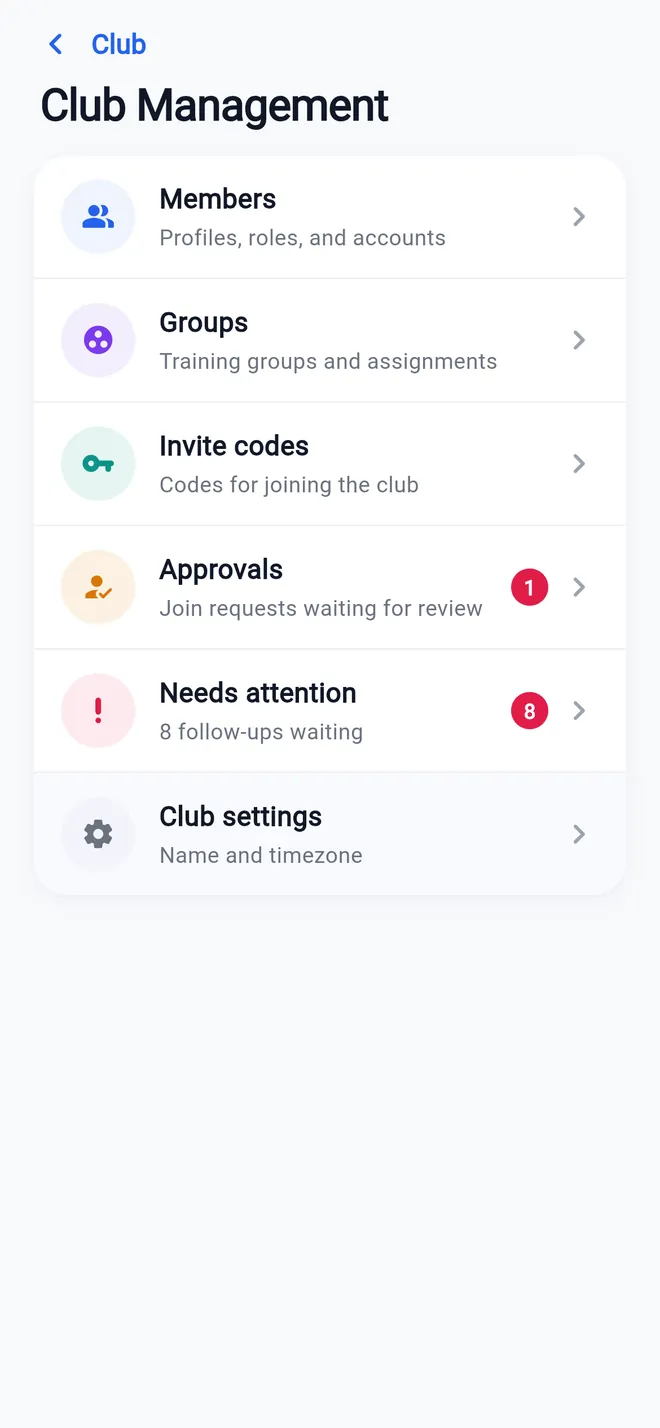
The Club Management menu in the app, section by section. It works the same on the phone and on a computer.
Fencers, parents and coaches
Training squads and their coaches
Bring people in, in the right place
Families linked to their fencers
Name, timezone and legal
Computer and phone
The same club, on a computer at the desk and on the phone at the piste.
How it works
Foil U13, Épée adults, Sabre U11: one group per training squad.
groupsAdminAs club admins or as group coaches.
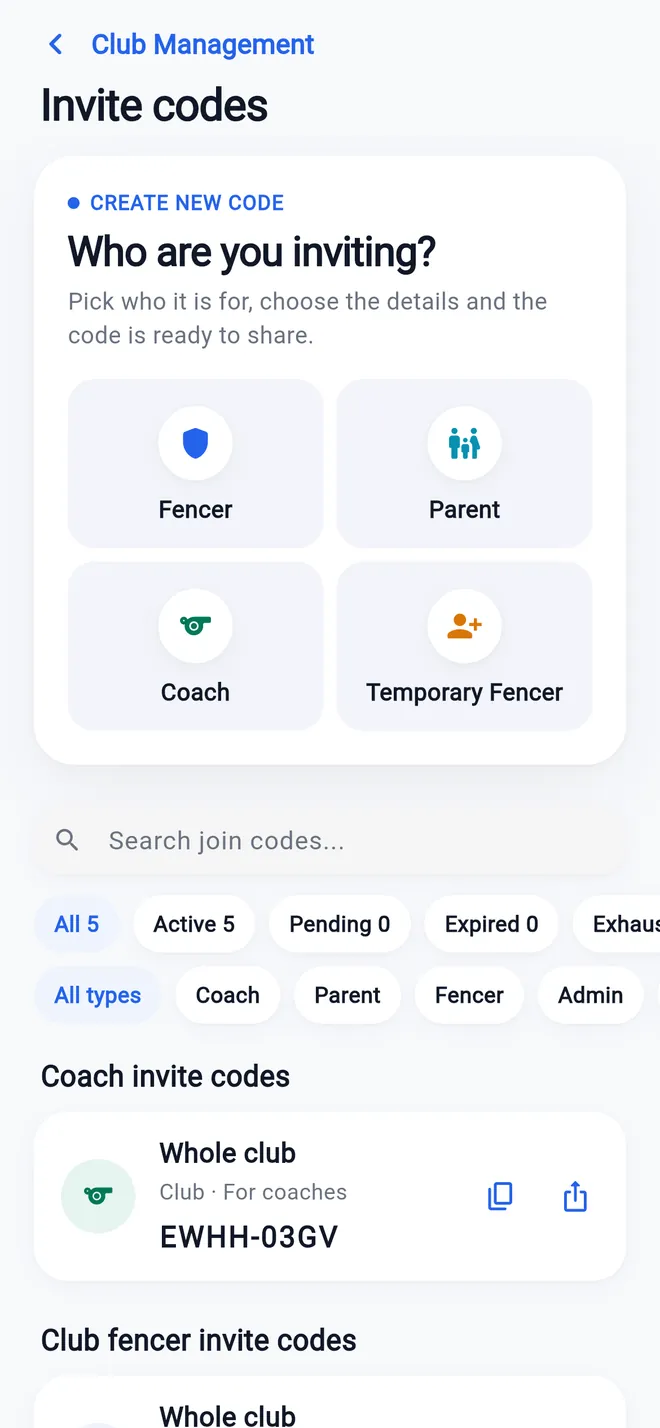
sportsAdminTheir code puts them straight into their group.
person_addCoachA parent code links the parent to their child.
family_restroomCoachMembers
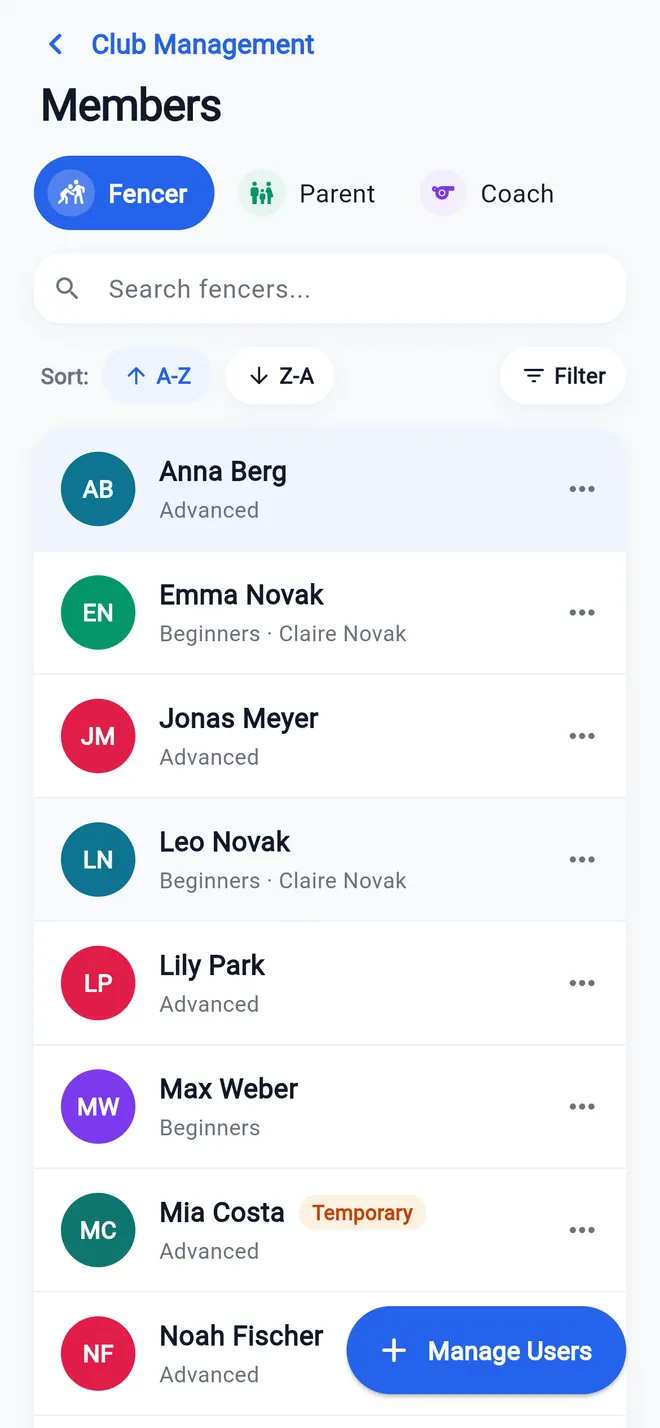
See every fencer, parent and coach. Younger fencers can start with a temporary account and be promoted to a full account when they get their own email.
FAQ
A club admin manages the whole club and all groups. A group coach manages their groups and creates competitions.
Yes. You can name a code, describe it and set a maximum number of uses.
An account for a fencer without their own email. It can be promoted to a full account later.
Get the app
Free to download on iPhone, iPad and Android.
 Clawer