For clubs
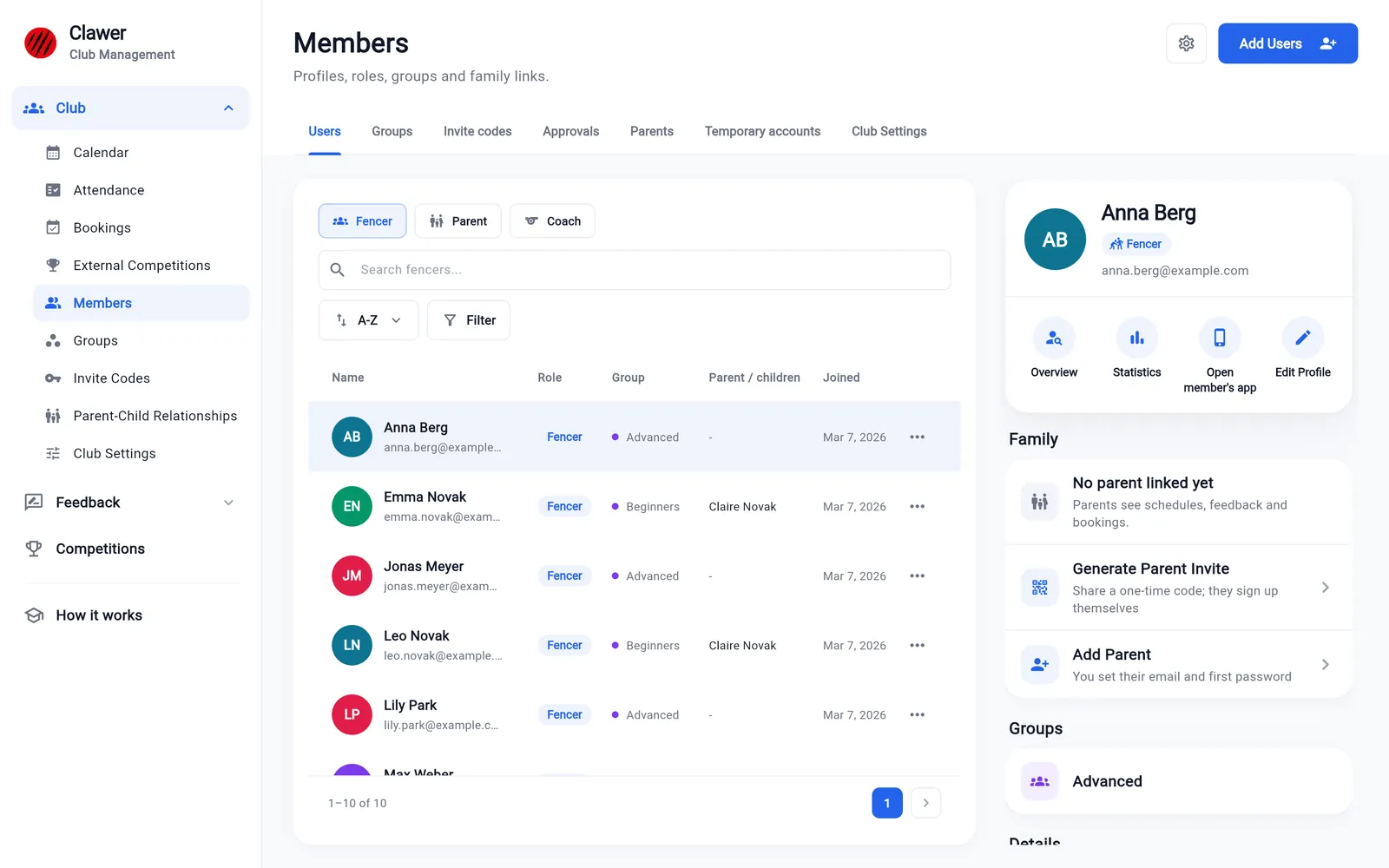
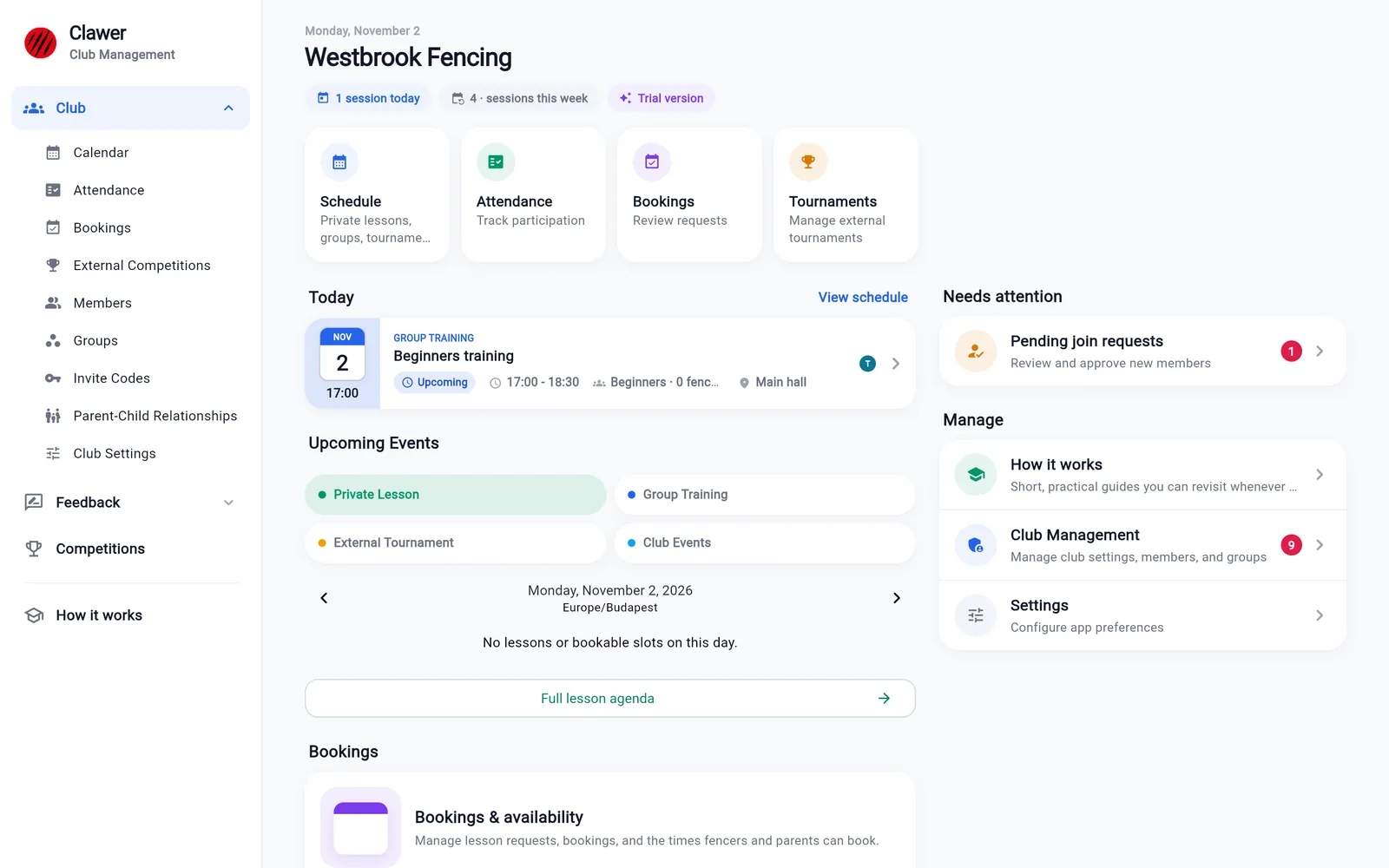
Members, groups, coaches, trainings, lessons and competitions. Club owners and admins see the whole season, on a computer or on the phone.


Set up
Bring everyone in once. After that the club runs itself.
One group per training squad, with its coaches.
workspacesAdminCoaches, fencers and parents each land in the right place.
keyAdminRepeating trainings, club events and closures on one calendar.
calendar_monthAdminAttendance, bookings and results add up for the whole club.
monitoringAdminComputer and phone
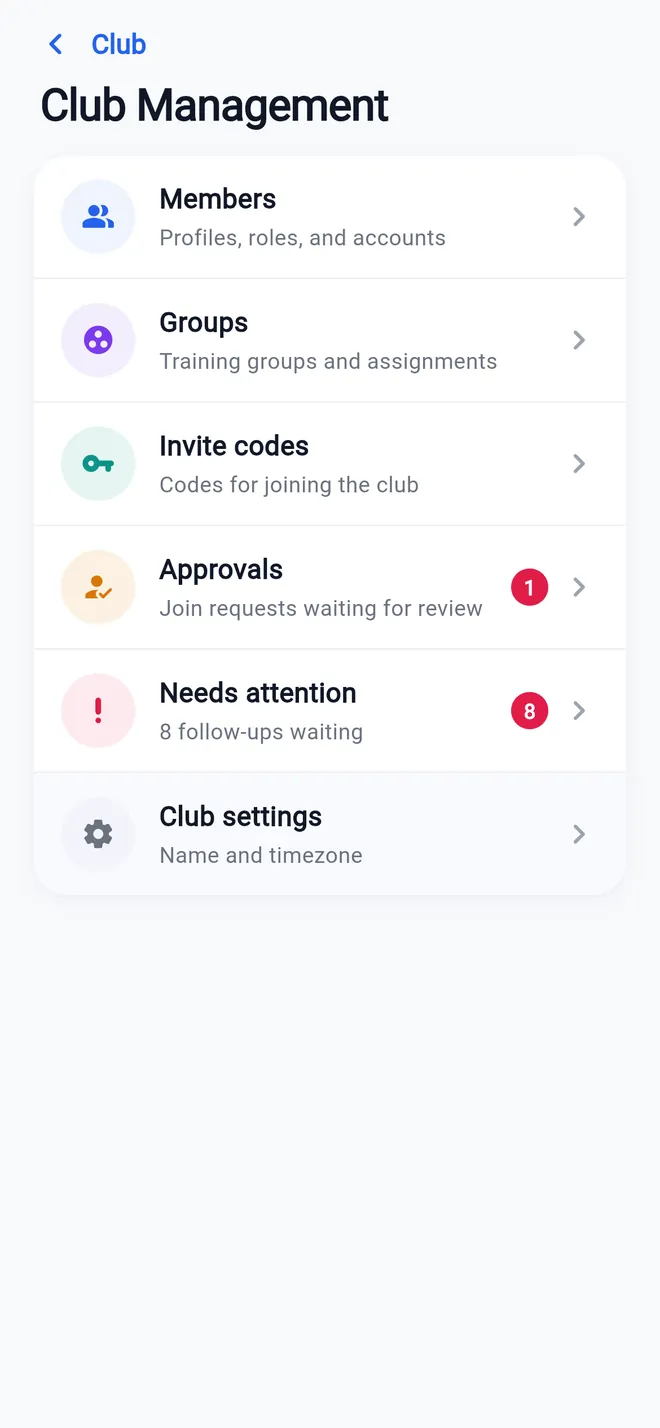
The club hub on a computer, and the same club on the phone.
Club management
FAQ
Club admins manage the whole club and all groups. Group coaches manage their own groups.
With invite codes. Fencers join straight into their group and parents are linked to their child. See invite codes.
Yes. The club sections work on a computer as well as on phones and tablets.
Get the app
Free to download on iPhone, iPad and Android.
 Clawer