For coaches
Your week, your lessons, your fencers, their tournament season and your competitions on one phone. No spreadsheets, no group chats, no paper poule sheets.


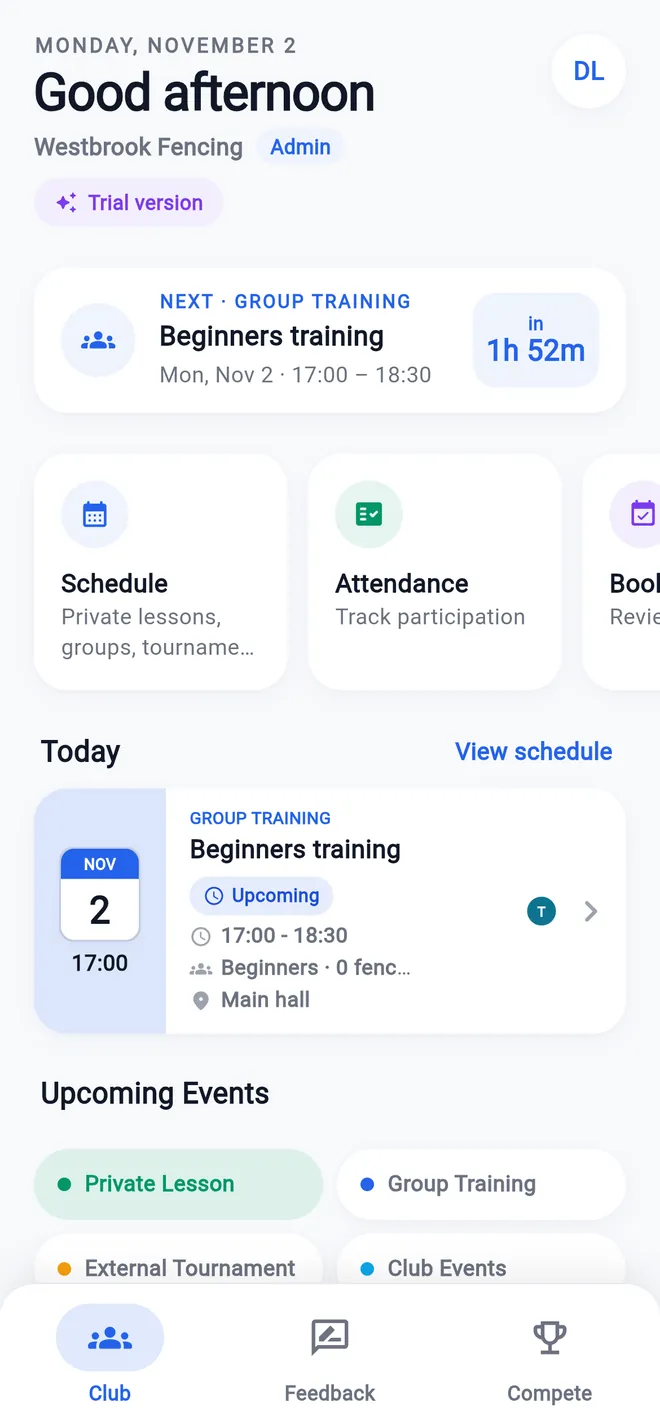
A coach's day
Everything you do around a training, in the order you do it.
See today's sessions, who is coming and what needs your attention.
todayMorningFencers book your free lesson times. You confirm, or let them confirm automatically.
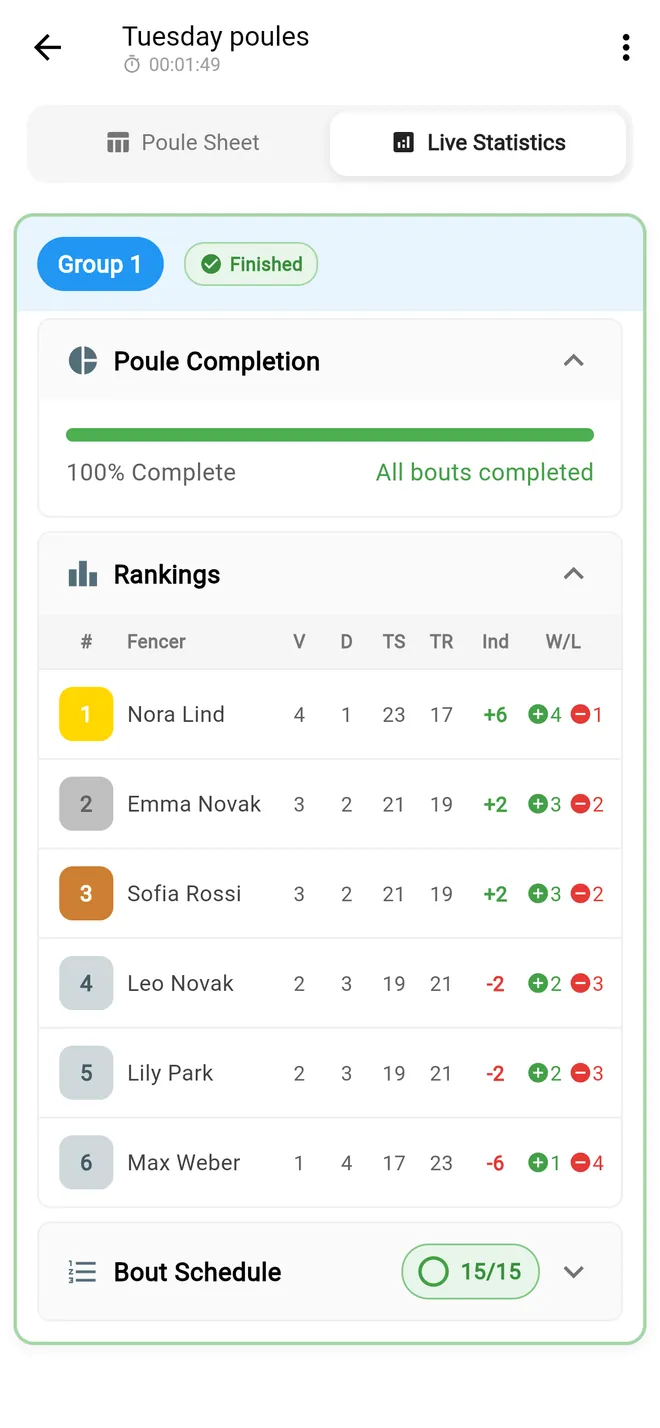
event_availableAfternoonMark attendance and run poules, repechage or King of the Hill at the piste.
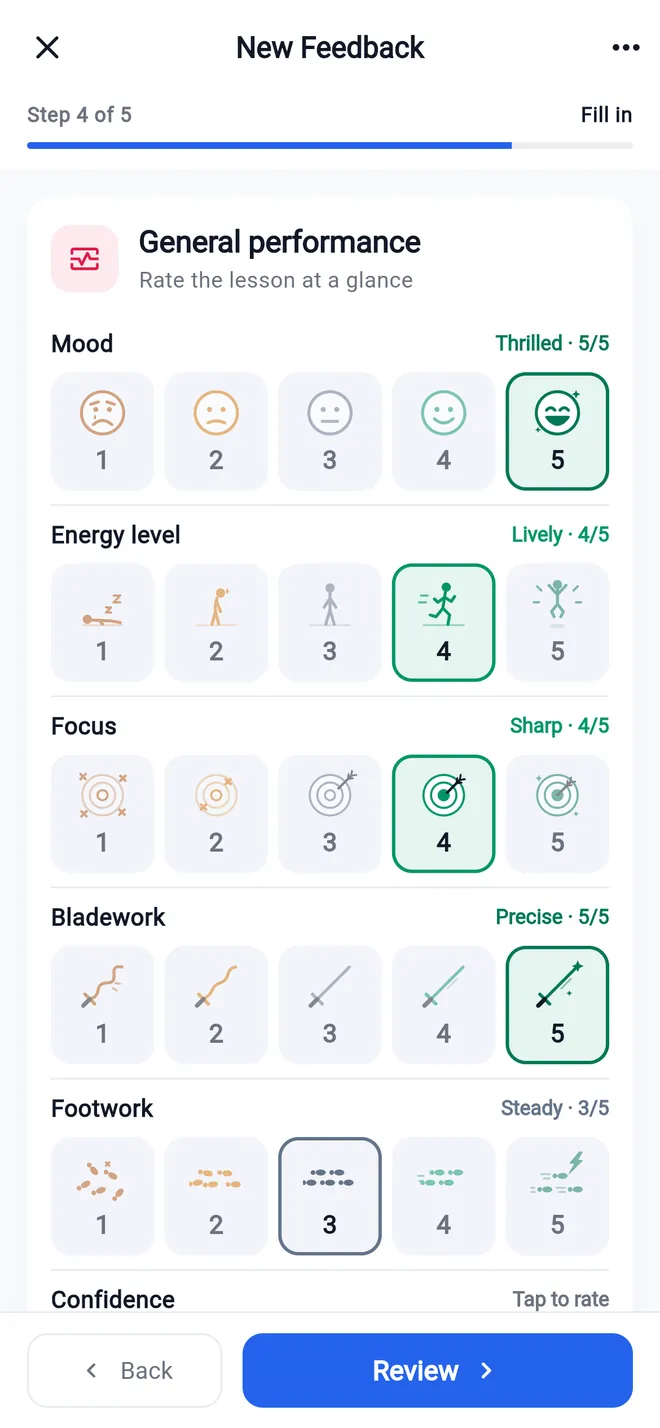
scoreboardEveningRate the lesson and set the next step. Parents read it the same evening.
rate_reviewAfterChoose each fencer's tournaments for the season and share the plan with the family. Parents see every date, category and entry deadline.
From the Clawer tournament calendar of FIE, EFC and national federation events, or add your own.
travel_exploreCoachEnter fencers in their categories, or mark a tournament as recommended, important or a target.
flagCoachFencers and parents see the season on their Tournaments tab, with the entry deadlines.
family_restroomParents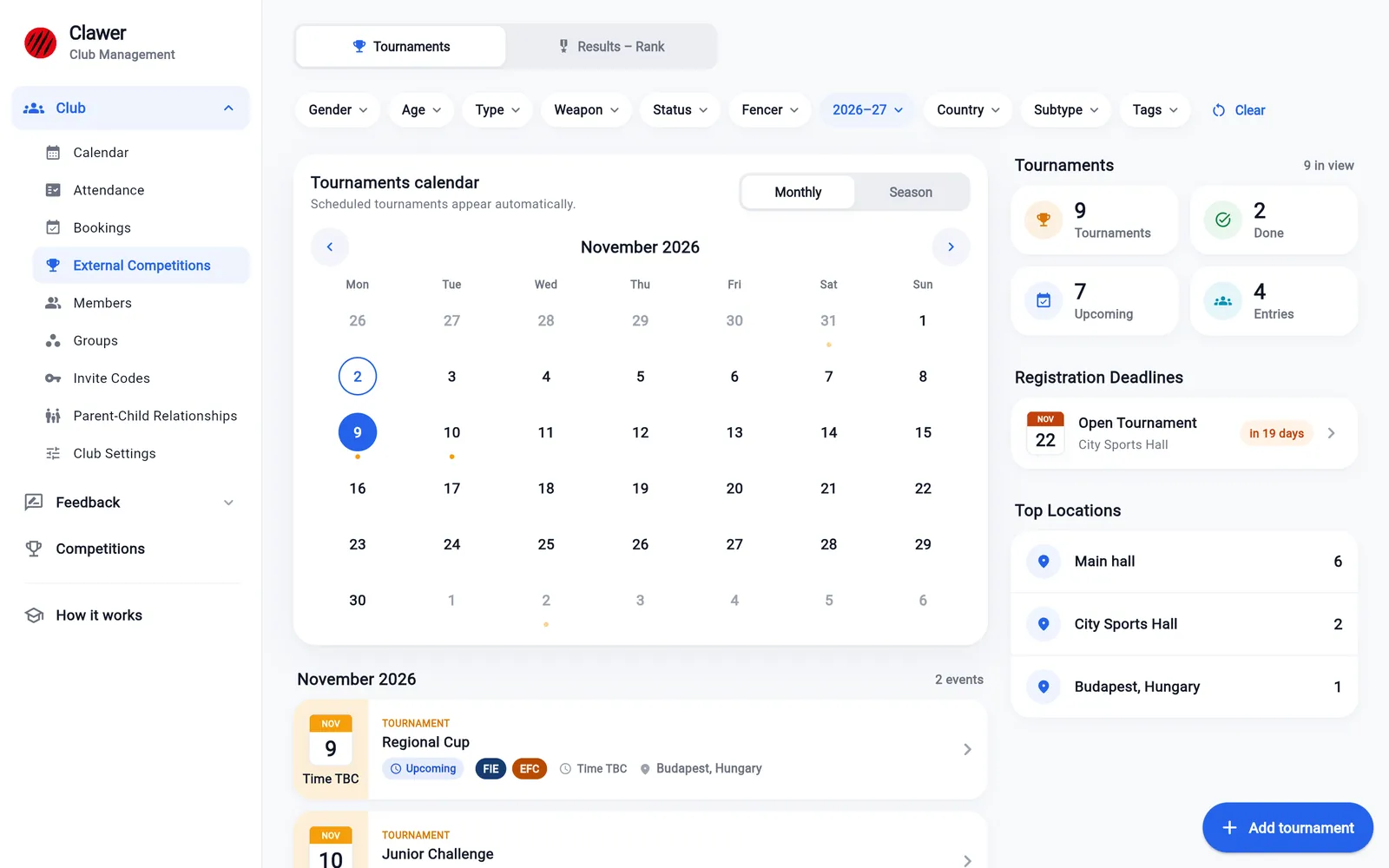
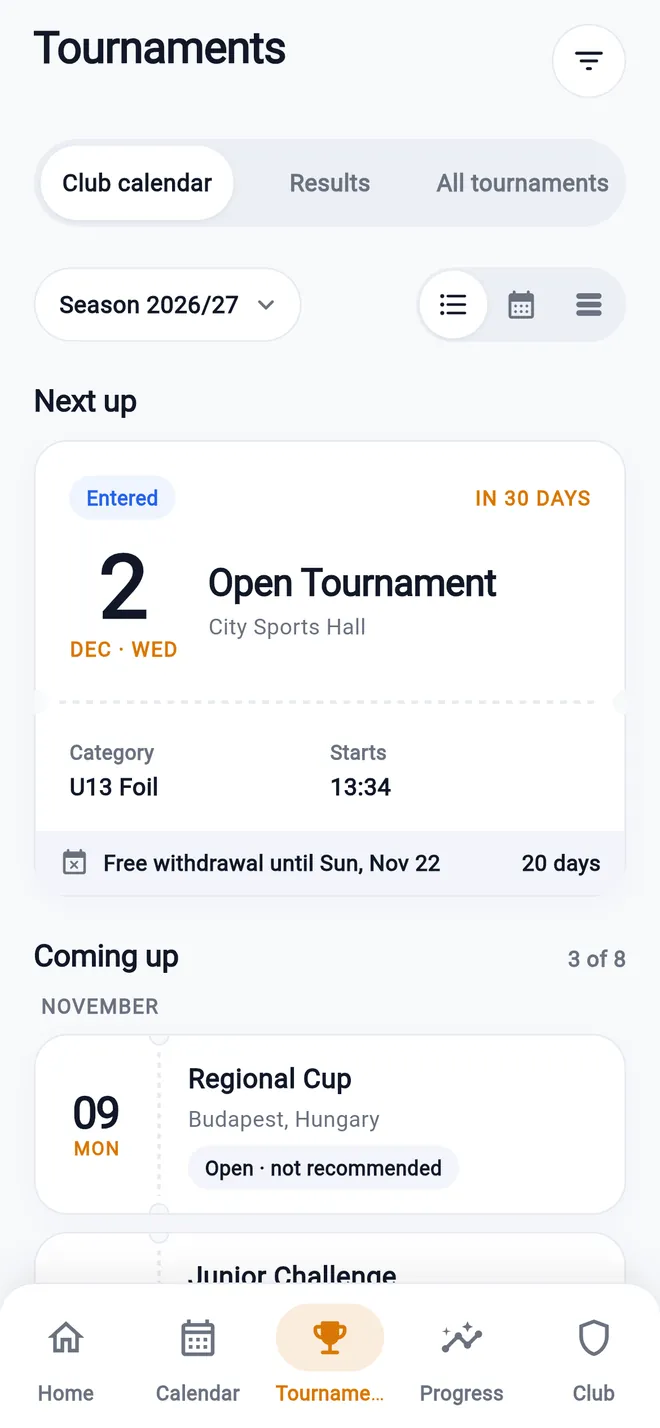
In the app
Real screens from a coach's phone.
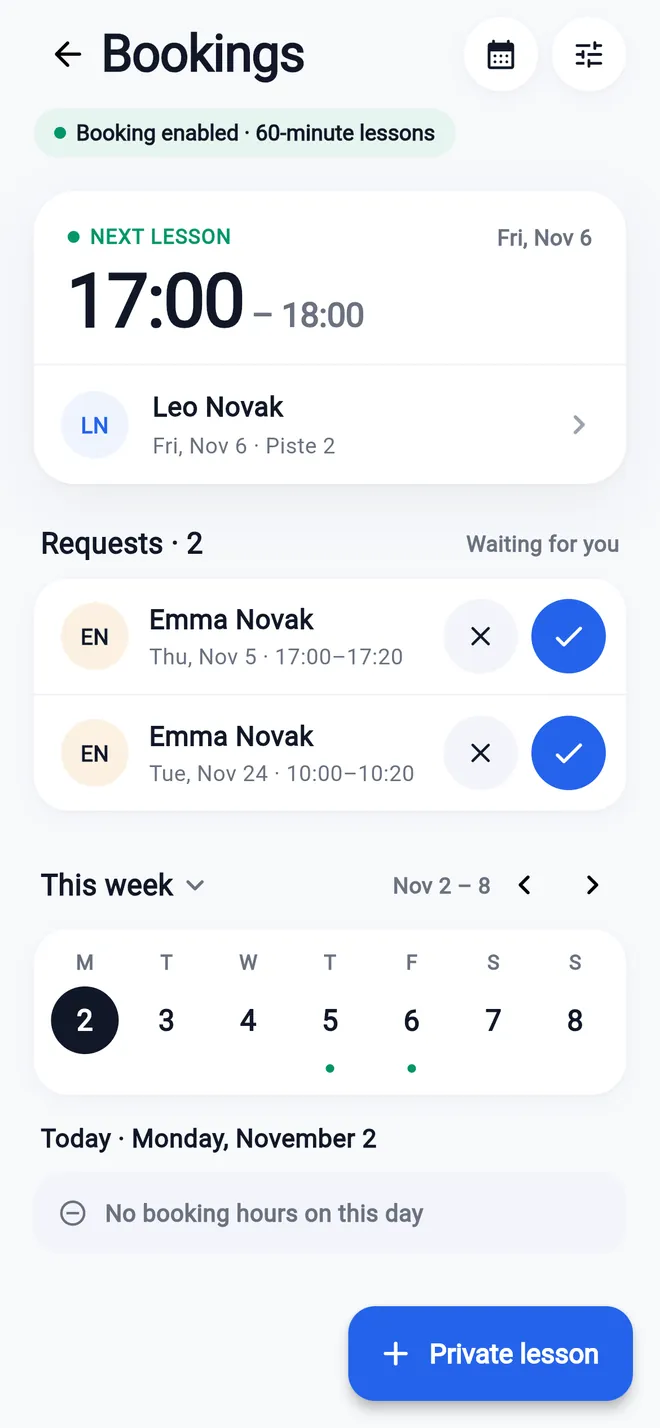
Features for coaches
FAQ
No. Everything works on a phone or tablet. Coaches who prefer a big screen can use Clawer on a computer too.
Yes. Publish your free lesson times and let fencers and parents book them. See lesson booking.
Yes. Fencers and parents see the season's tournaments on their Tournaments tab, with their categories and entry deadlines. See tournaments.
Ten, from poules and repechage to King of the Hill and team relays. See all formats.
Get the app
Free to download on iPhone, iPad and Android.
 Clawer