Groups
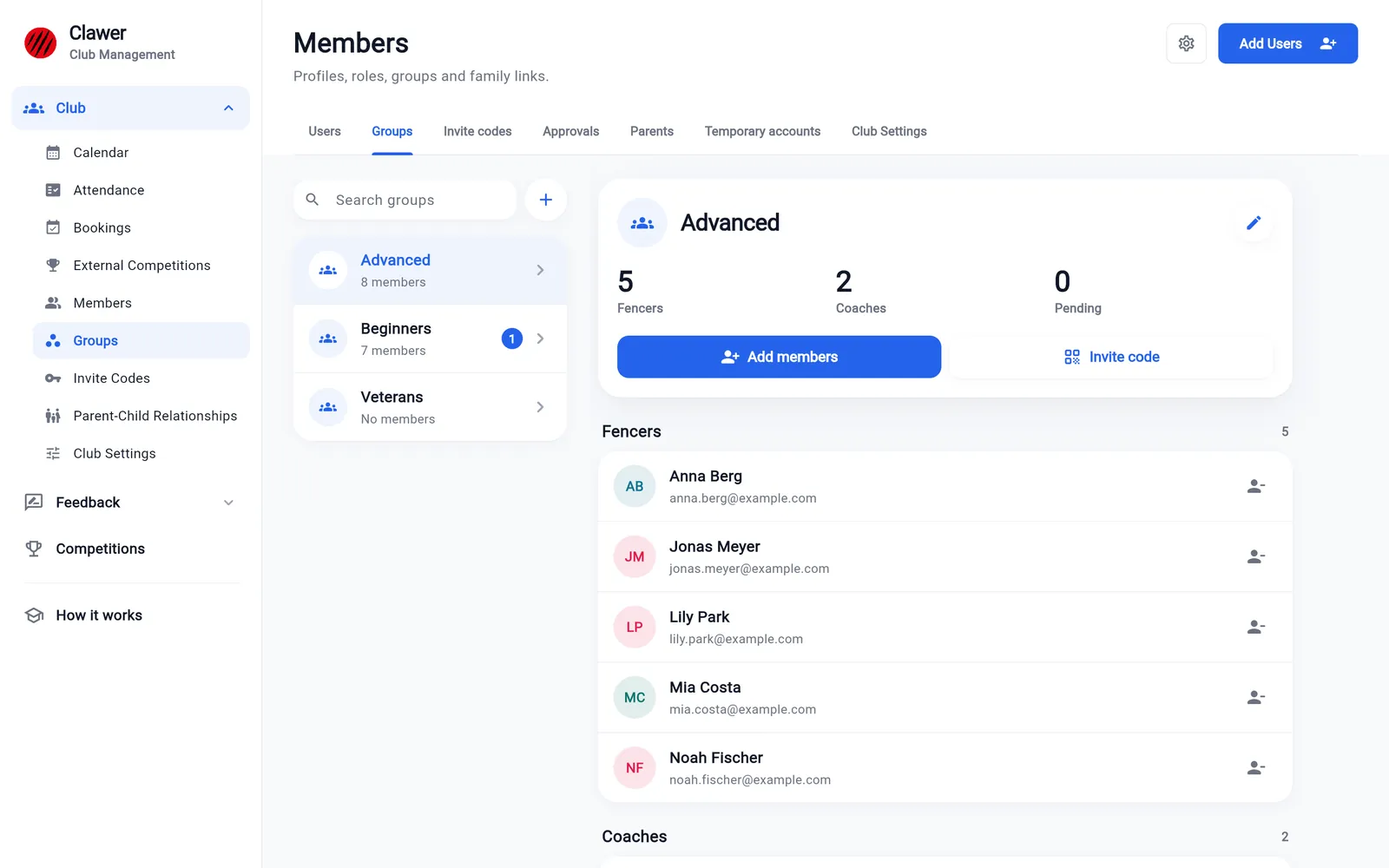
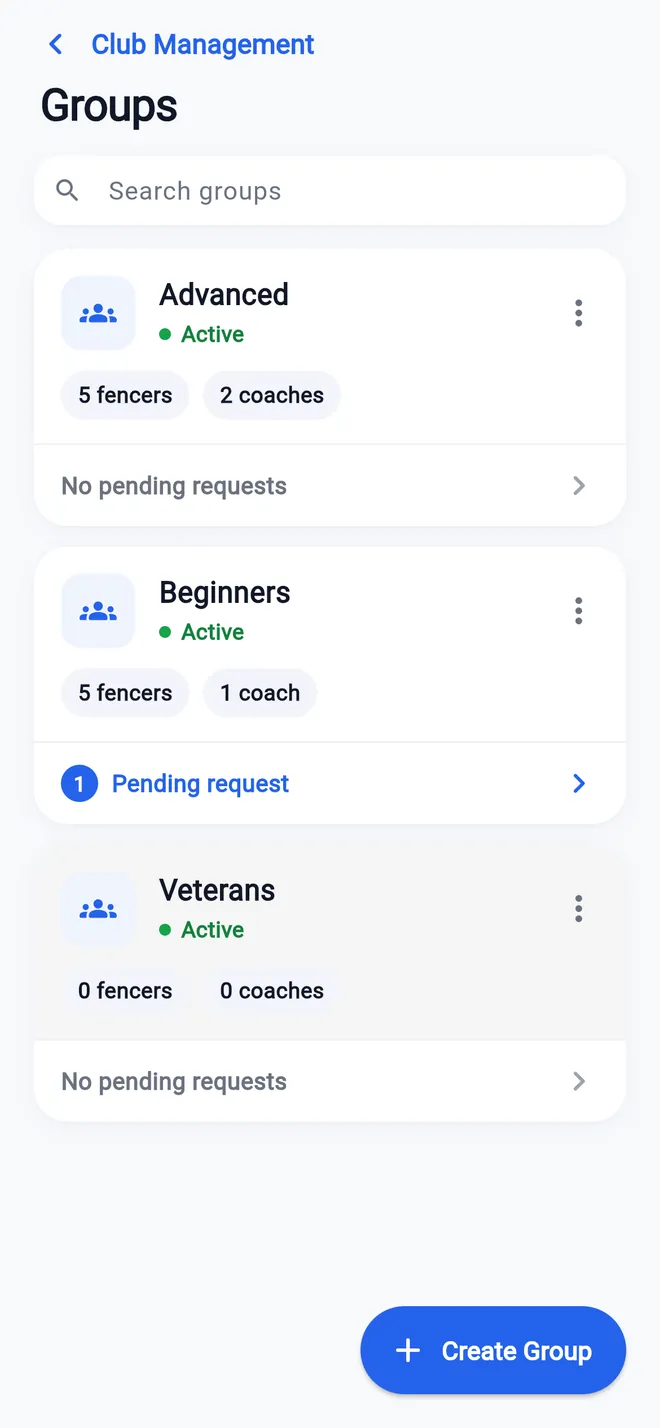
Beginners, Advanced, Veterans or Foil U13: each group has its fencers and its coaches. Trainings, attendance and statistics follow the group.


How it works
Name it after the squad that trains together.
addAdminAdd fencers and coaches, or share the group's invite code.
person_addAdminPeople who join with the group code wait until a coach lets them in.
how_to_regCoachTrainings, attendance and statistics follow the group.
calendar_monthCoachComputer and phone
The same club, on a computer at the desk and on the phone at the piste.
FAQ
Yes. Add one or more coaches to a group. Group coaches manage their own groups.
With the group's invite code, or the coach adds them. Join requests wait for approval.
Get the app
Free to download on iPhone, iPad and Android.
 Clawer