Lesson booking
Coaches publish their free times. Fencers and parents pick one in the app, and the lesson goes straight into both calendars.


How it works
Choose the hours you usually take private lessons.
sportsCoachExceptions replace your standard hours for a day or a date range.
event_busyCoachFencers and parents see only your free times and book one.
family_restroomFencers and parentsThe lesson appears in your schedule and theirs.
event_availableEveryoneComputer and phone
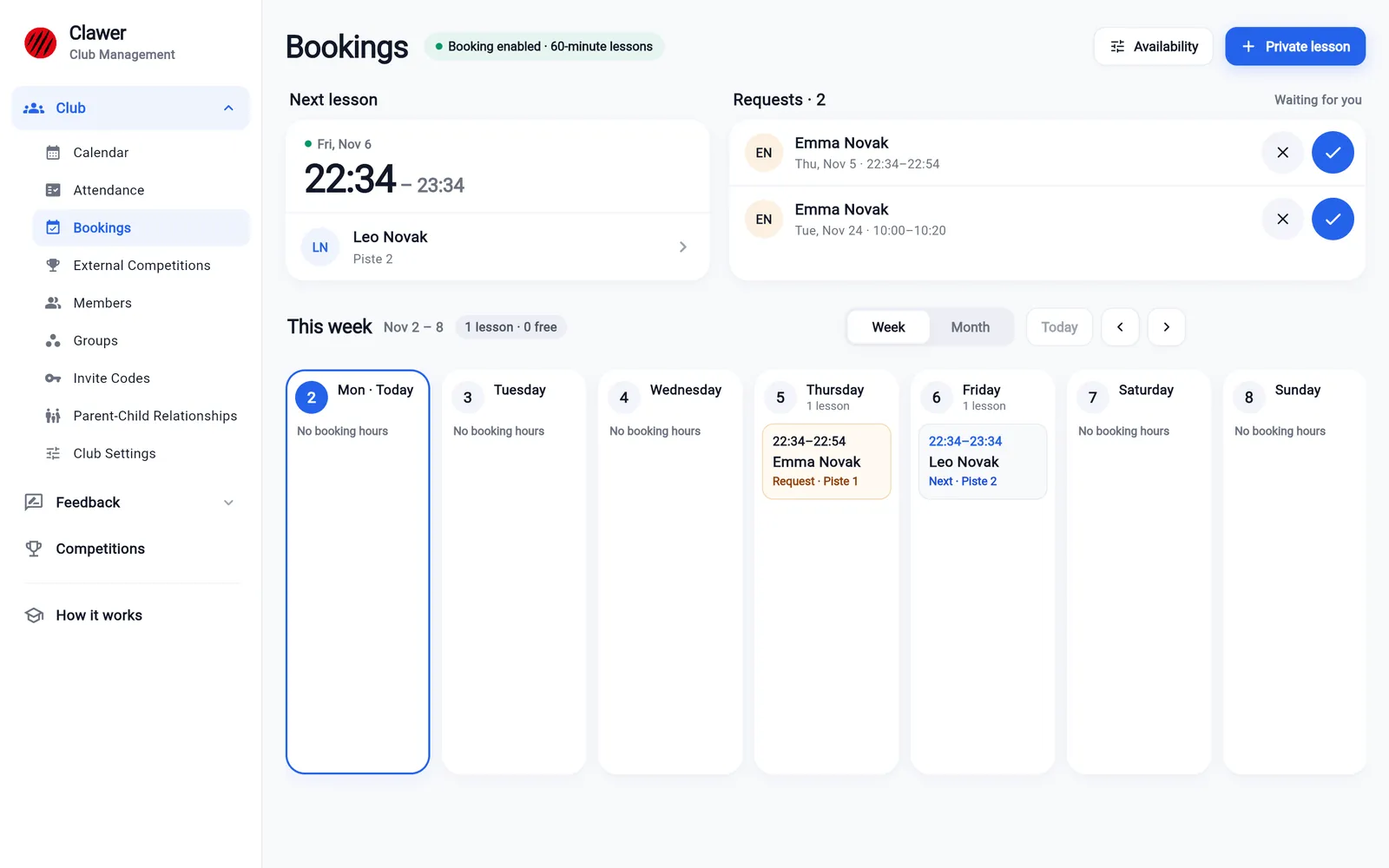
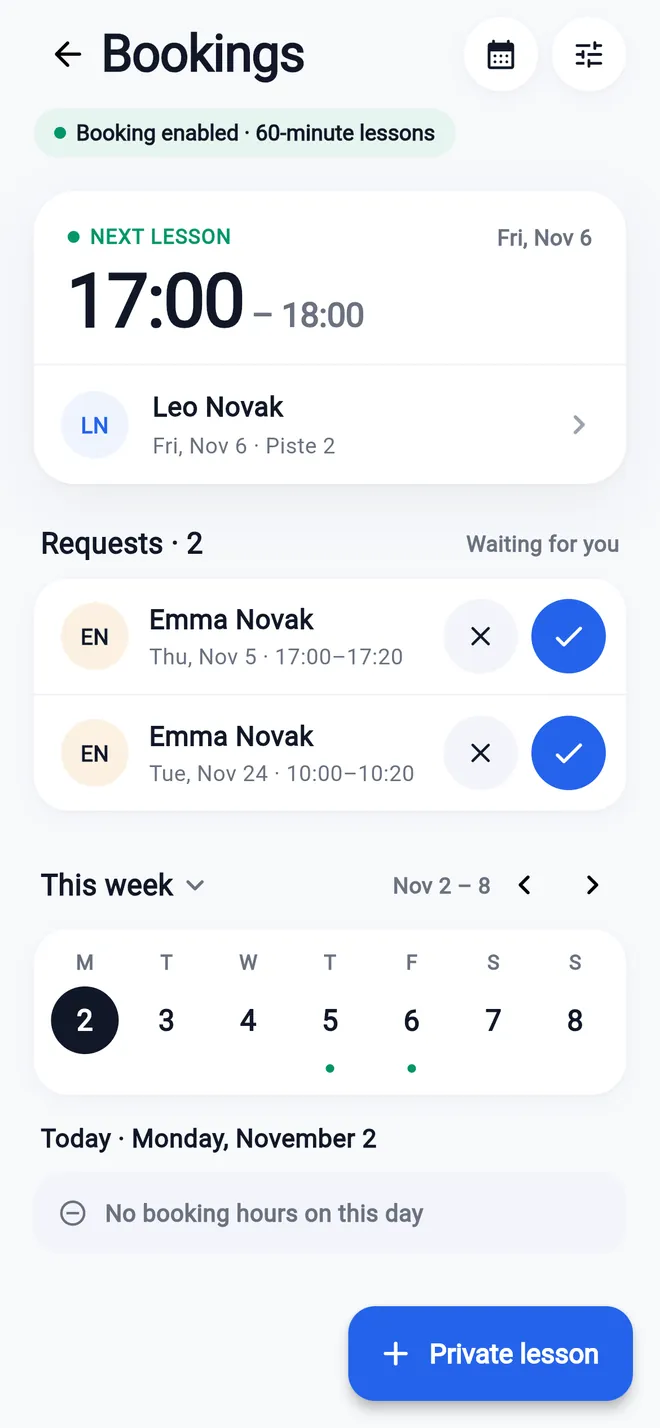
The same club, on a computer at the desk and on the phone at the piste.
Booking rules
Each coach decides how lessons can be booked. Clawer only offers times that fit those rules.
For coaches
Requests can confirm automatically, or wait for the coach. Coaches can also schedule a lesson for a named fencer themselves, and see the booking page as a fencer would.
This week
Your booking page
FAQ
In the app they choose a coach, a day and a free time, then book. The lesson appears in their calendar and the coach's.
Yes. With booking turned off nobody can book, and the coach can still add lessons.
Yes. A coach can list up to 10 places where lessons take place.
Yes. They can cancel a request or a booked lesson in the app.
Get the app
Free to download on iPhone, iPad and Android.
 Clawer