Club settings
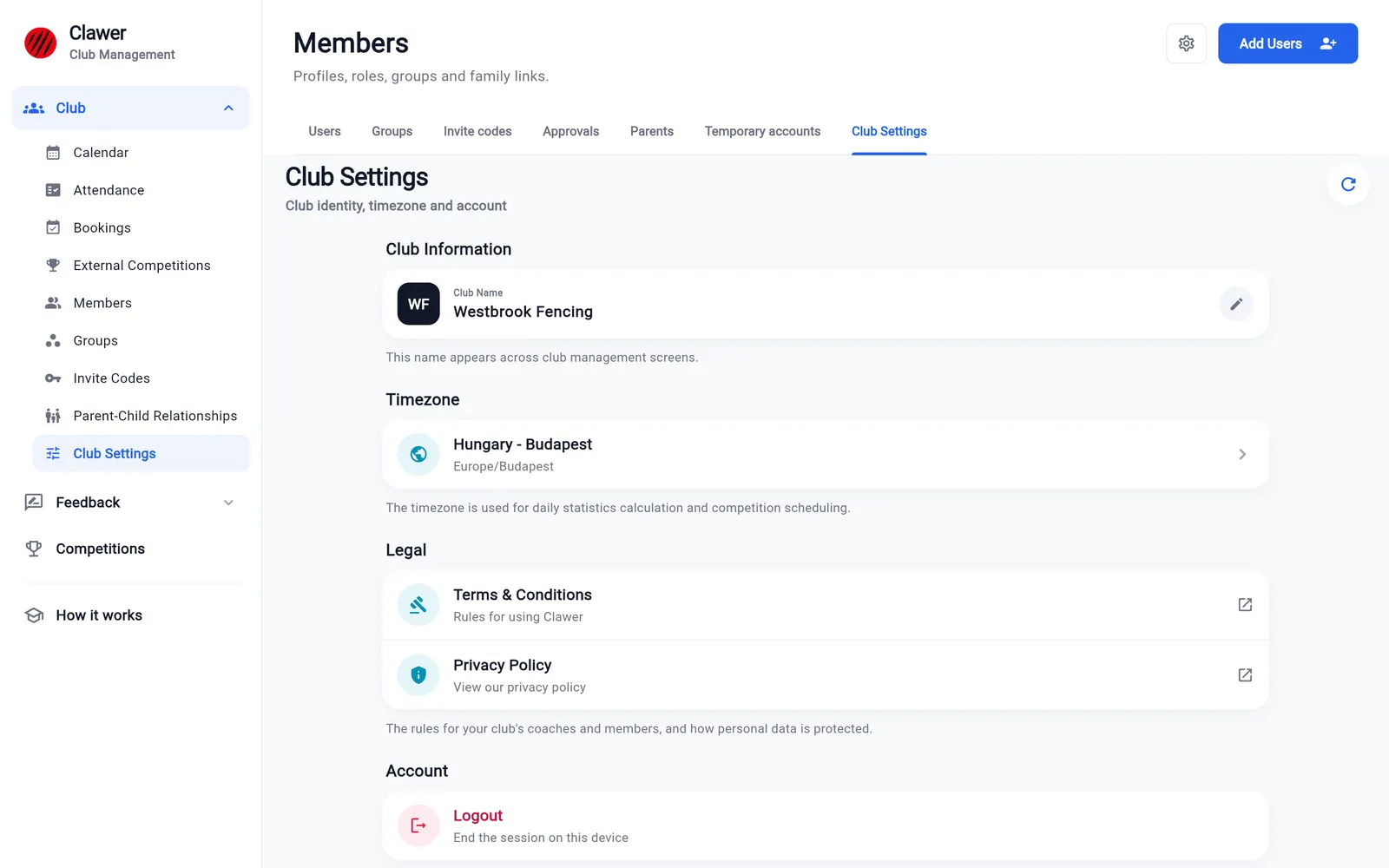
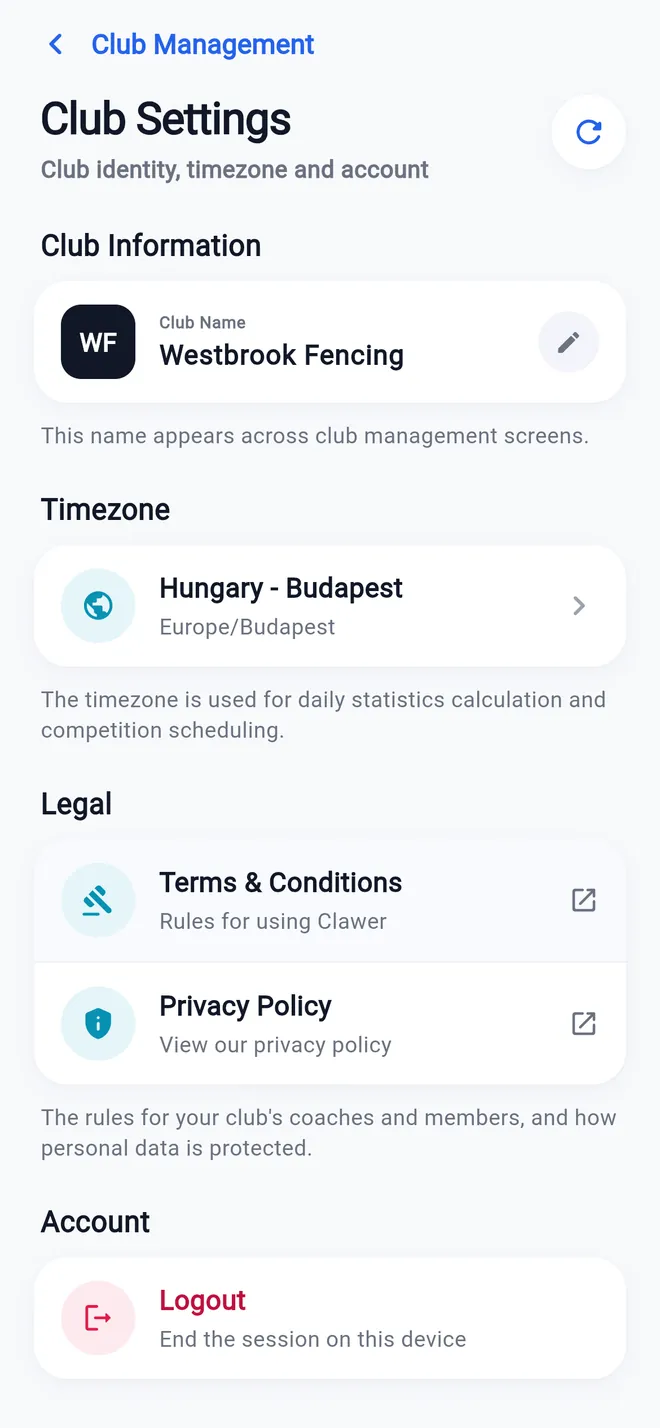
The club name appears across every club management screen. The timezone keeps the daily statistics and the competition schedule in your local time.


What you set
Shown across the club management screens.
badgeAdminUsed for the daily statistics and competition scheduling.
publicAdminThe terms and privacy policy for your coaches and members.
gavelEveryoneComputer and phone
The same club, on a computer at the desk and on the phone at the piste.
FAQ
Clawer calculates the daily statistics and schedules competitions in your club's timezone, so the numbers match your local days.
Club admins.
Get the app
Free to download on iPhone, iPad and Android.
 Clawer