Schedule
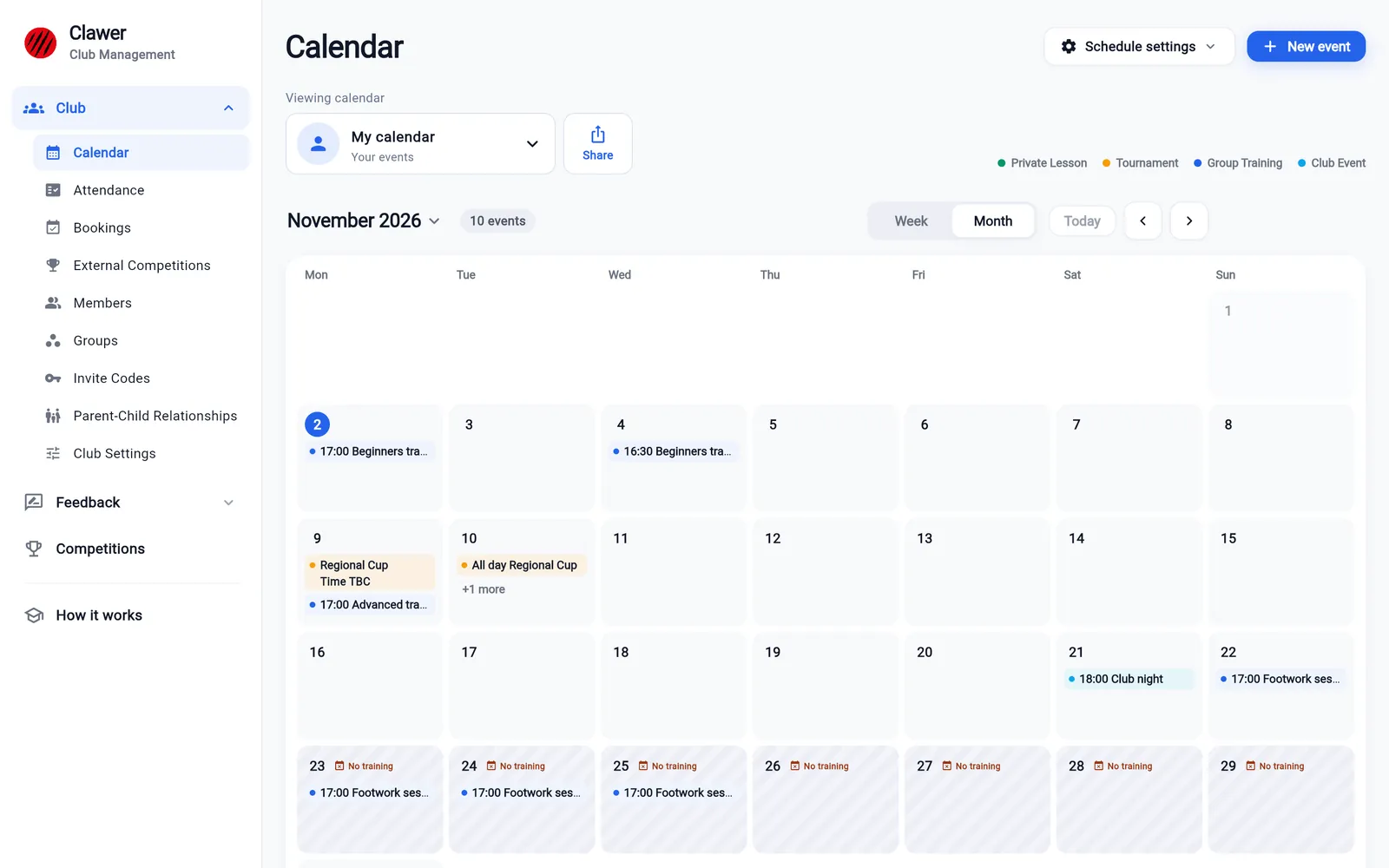
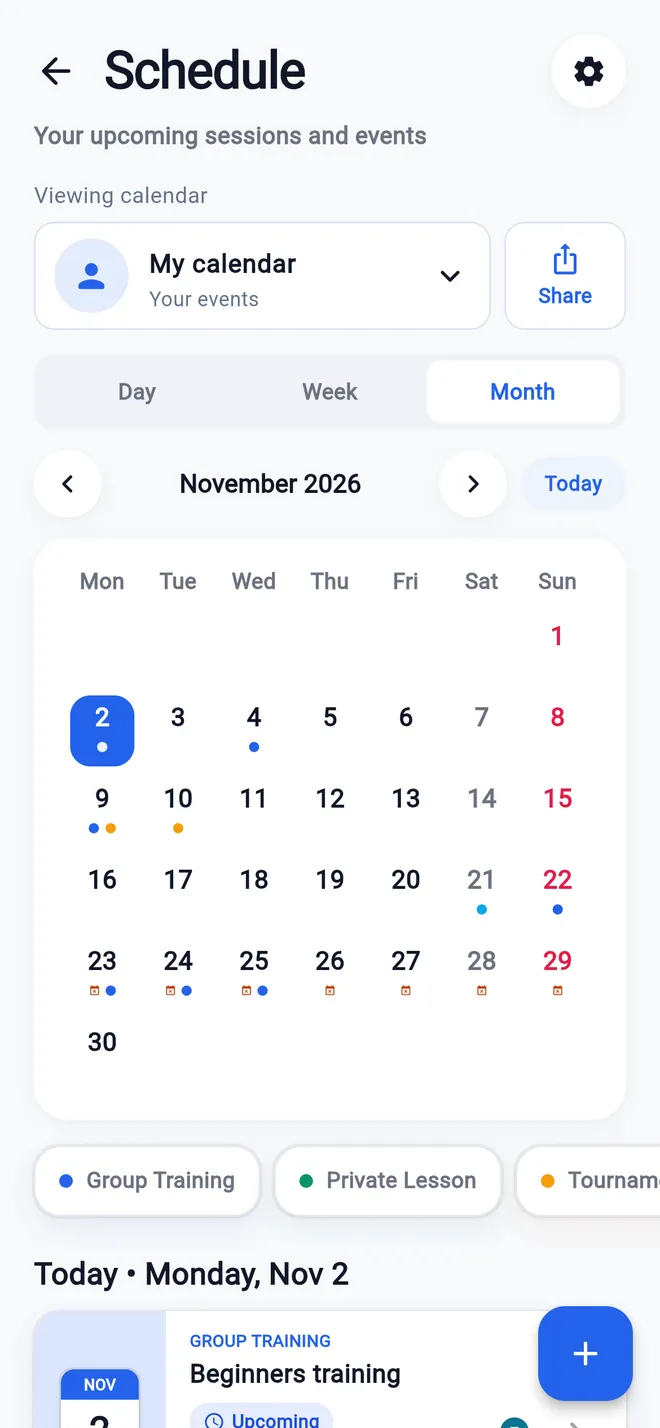
Group trainings, private lessons, club events and outside tournaments in one club calendar. Coaches, fencers and parents see the same week, and changes reach everyone at once.


How it works
Pick group training, private lesson, club event or external tournament. Set the time, place, group and coach.
sportsCoachTrainings, lessons and club events can repeat. Add holidays and club closures once, and new sessions skip them.
syncCoachFencers and parents answer Coming or Not coming, so the coach knows who to expect.
family_restroomFencers and parentsComputer and phone
The same club, on a computer at the desk and on the phone at the piste.
Who is coming
Each session shows who is coming, who is not and who has not answered yet. Attendance is marked separately after the session, so a reply never counts as being there.
Event types
Regular sessions for each group, with its coach. They can repeat every week.
Booked by a fencer or parent, or assigned by the coach.
Club Cup, camp or meeting. Club events can span several days.
Outside competitions from the Clawer tournament calendar.
FAQ
Yes. Group trainings, private lessons and club events can repeat. When you change a repeating session you choose whether the change applies to one session or to all upcoming ones. Past and attended sessions stay unchanged.
Add holidays and club closures as club-wide off-days. New repeating sessions skip those dates.
Yes. Fencers and parents see the trainings of their groups, their lessons, club events and tournaments in the app, and can add a session to their phone calendar.
Cancel it in the app. Families see that the session is cancelled.
Get the app
Free to download on iPhone, iPad and Android.
 Clawer