Parents and children
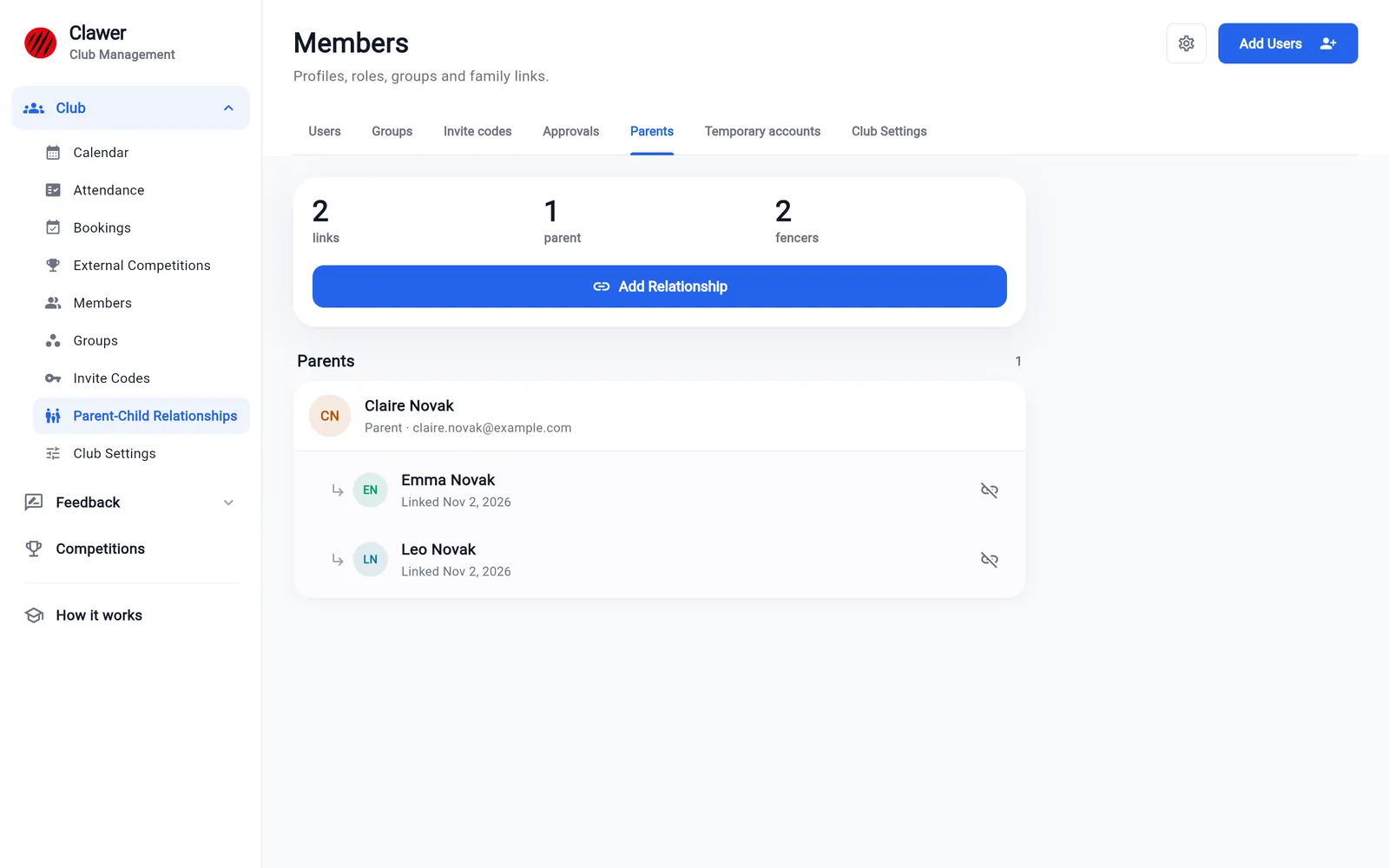
A parent linked to a child sees that child's trainings, lessons, feedback and results. One parent can follow several children.


How it works
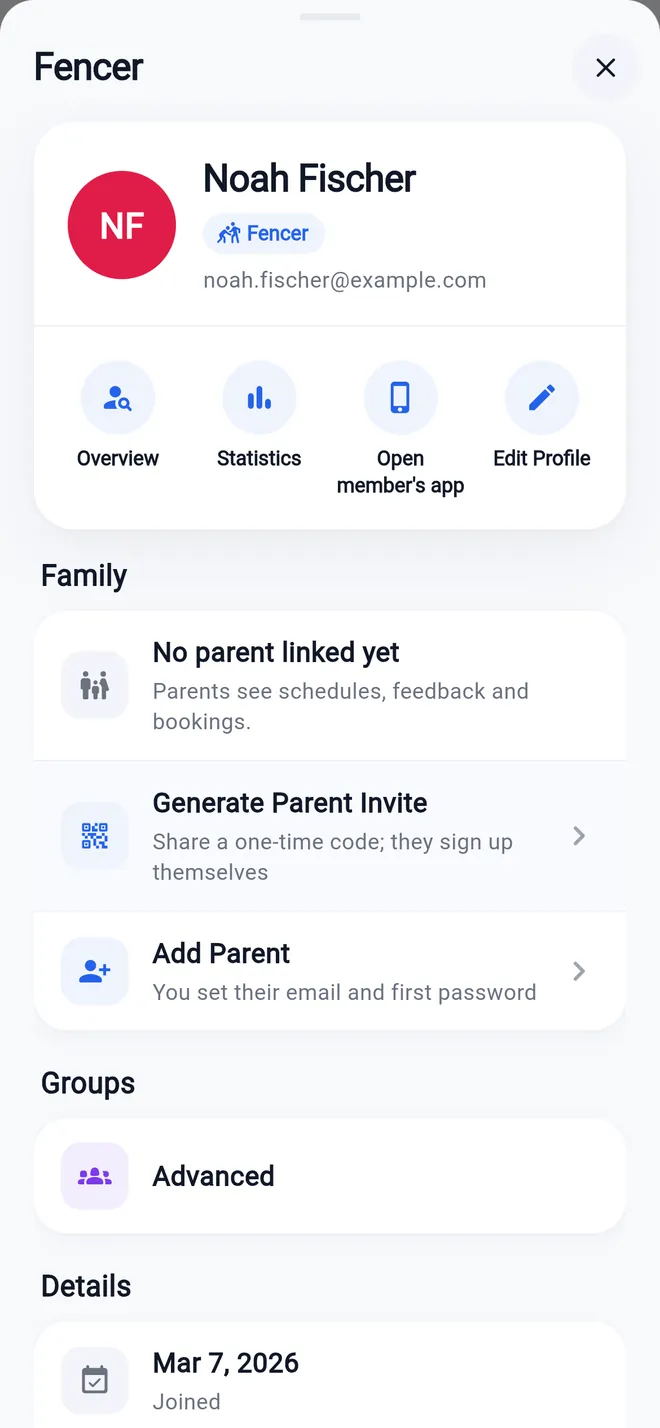
Generate a one-time code. The parent signs up and is linked straight away.
qr_code_2CoachEnter their email and a first password yourself.
person_addCoachAdd a relationship between a parent and a fencer who are already in the club.
linkAdminComputer and phone
The same club, on a computer at the desk and on the phone at the piste.
FAQ
Schedules, coach feedback and bookings for each linked child, plus results and attendance. See the parent app.
Yes. A parent can be linked to more than one fencer and switches between them in the app.
Yes. Admins can unlink a parent and a child at any time.
Get the app
Free to download on iPhone, iPad and Android.
 Clawer